
Affordable, user-friendly online tools that
make implementing best practices easier.


The eDoctrina Difference

Service
We understand the challenges educators face, because we’re also educators. Our founder and President has been a teacher, administrator and started eDoctrina while working in a school. The majority of our Training and Support team are previous educators as well. We are here to serve educators who are out in the trenches. Our joy truly comes from making your demanding jobs easier.

Simplicity
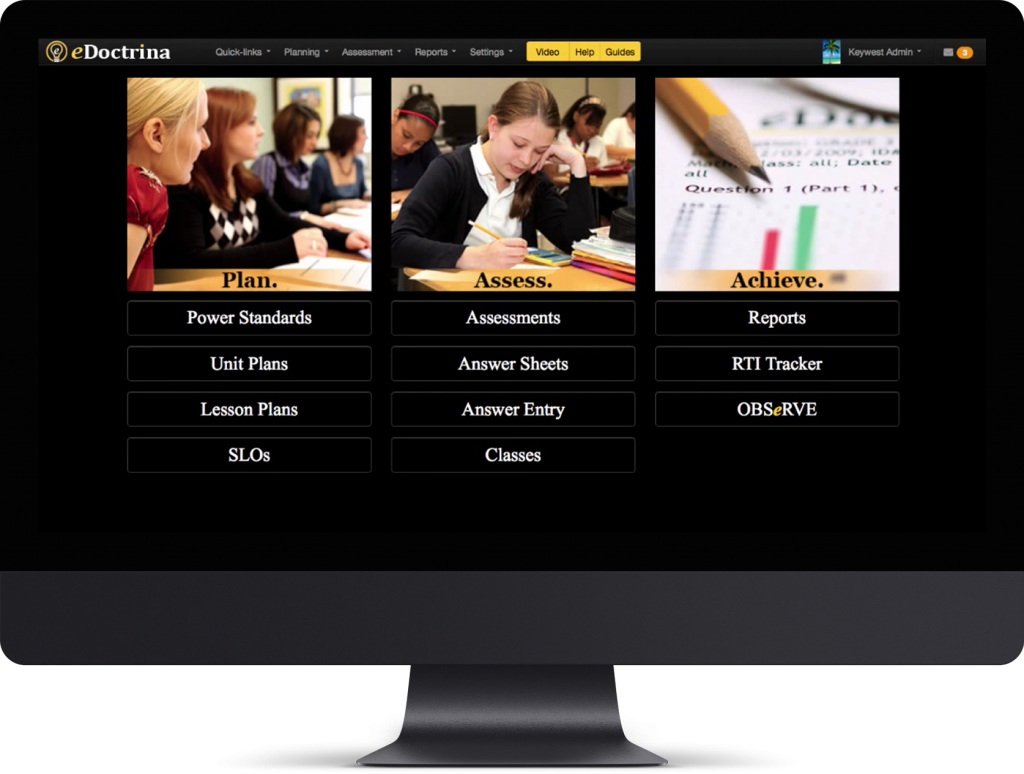
eDoctrina was created by educators for educators with the primary objective of making implementing best practices easier! eDoctrina provides a single, consistent, easy-to-use interface for planning, assessment, RTI/MTSS, PBIS and much more.

Continuous Improvement
eDoctrina is constantly evolving and improving to meet the ever-changing demands placed on educators. The majority of our improvements and new features come from teachers and administrators who use our software, not some “techy” in a cubicle. Our partners are often amazed to see their ideas come to life only a few days after being requested.
What Are People Saying?
“It is so nice to have a company truly partner, listen, make suggestions and respond to our needs with such accuracy and immediacy. Highly recommended.”
Scott Payne
Director of Student & Staff Learning
“We are looking forward to continuing our work around online assessments next year and truly appreciate all your support! eDoctrina lived up to its superior customer service reputation. My life was so much easier knowing I was supported every step of the way with our roll-out.”
Keena Smith
Data Coordinator, Greece Central School District
“eDoctrina will guide your faculty to better planning, better focus and better data. It gets teachers to ask the critical questions needed to provide quality instruction.”
Stephanie Allen
Supervisor of Data and Assessments
Top 100 Software Tool – K12 Teachers’ Choice
K12 leaders select eDoctrina as a DA “Reader’s Choice Top 100 Products” for schools. As a multi-purpose curriculum mapping and assessment software, eDoctrina helps educators strengthen their schools’ focus on state standards. Educators can create standards-based lesson plans, build assessments, and scan results to pinpoint students who are falling behind.